

Edge Rules
Choose which edge paths should constrain the remesh, using automatic detection and manual Protect or Free marks.
On this page
Detect hard edges by angle
Enable Auto by angle in the Edge Rules panel. A lower Angle (°) detects more candidate edges; a higher value detects fewer. Detection attempts to preserve those paths but does not guarantee that every candidate survives.
The preview uses the evaluated mesh in Object Mode and the editable source in Edit Mode. Review it before adding manual constraints.
Protect, Free, or Auto
- Select edges in Edit Mode.
Select the paths yourself, or use
Select detectedto select angle-detected candidates. - Assign a rule.
Protectkeeps the selected paths as constraints.Freeexcludes the edges from automatic angle detection.Autoremoves the manual rule and returns them to angle detection. - Enable Apply marked edges.
Return to Object Mode and remesh with the marks enabled.
Open boundaries and surface guides remain active even when an edge is marked Free. Turning off automatic detection also leaves those inputs active.
Review or clear the marks
Show marked edges displays Protect in cyan and Free in orange. The panel reports the number of each mark.
You can select Protect or Free marks separately, return selected marks to Auto, or use the trash action to clear all marks. Visibility controls the overlay; Apply marked edges controls whether the rules affect remeshing.
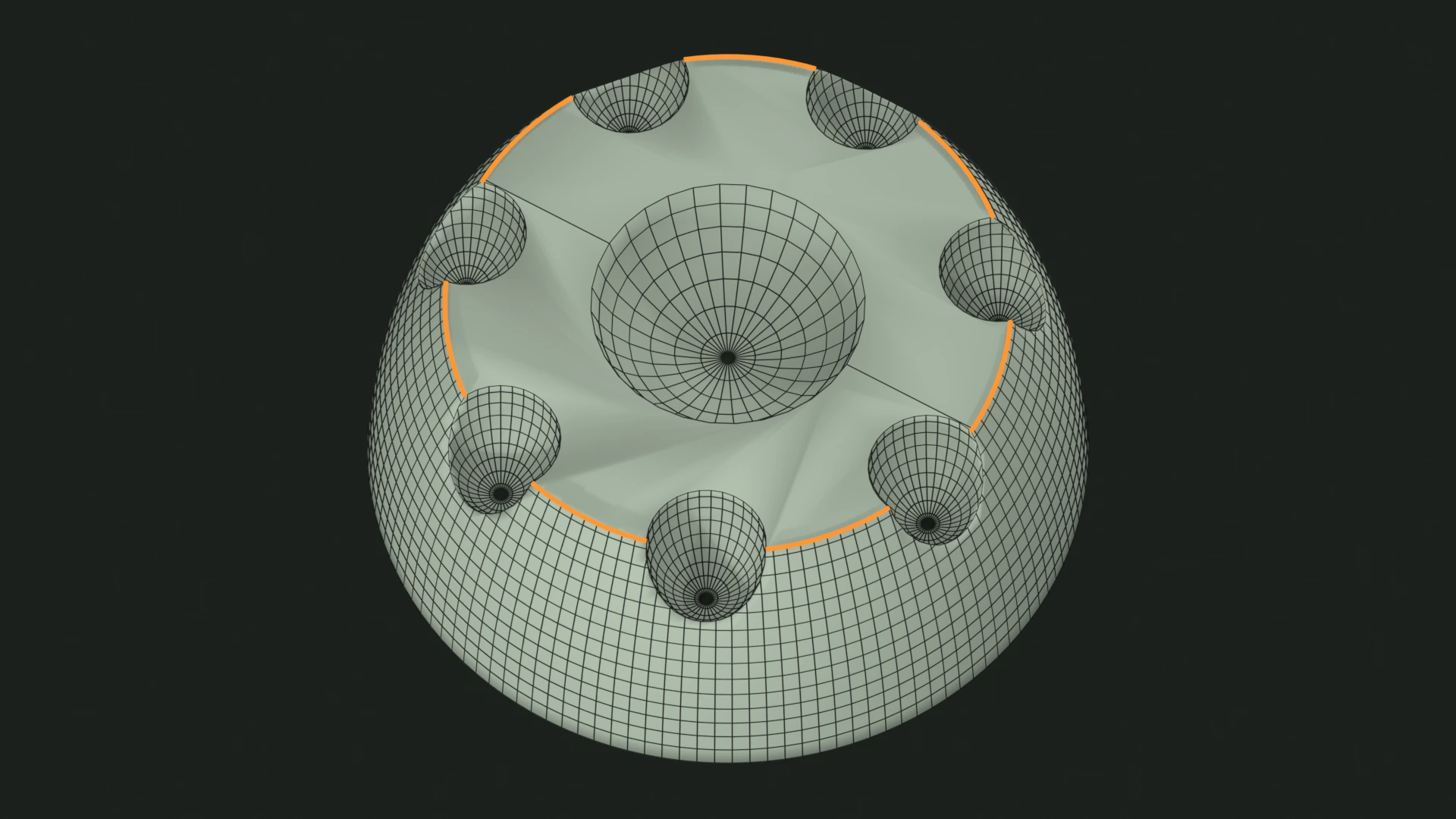
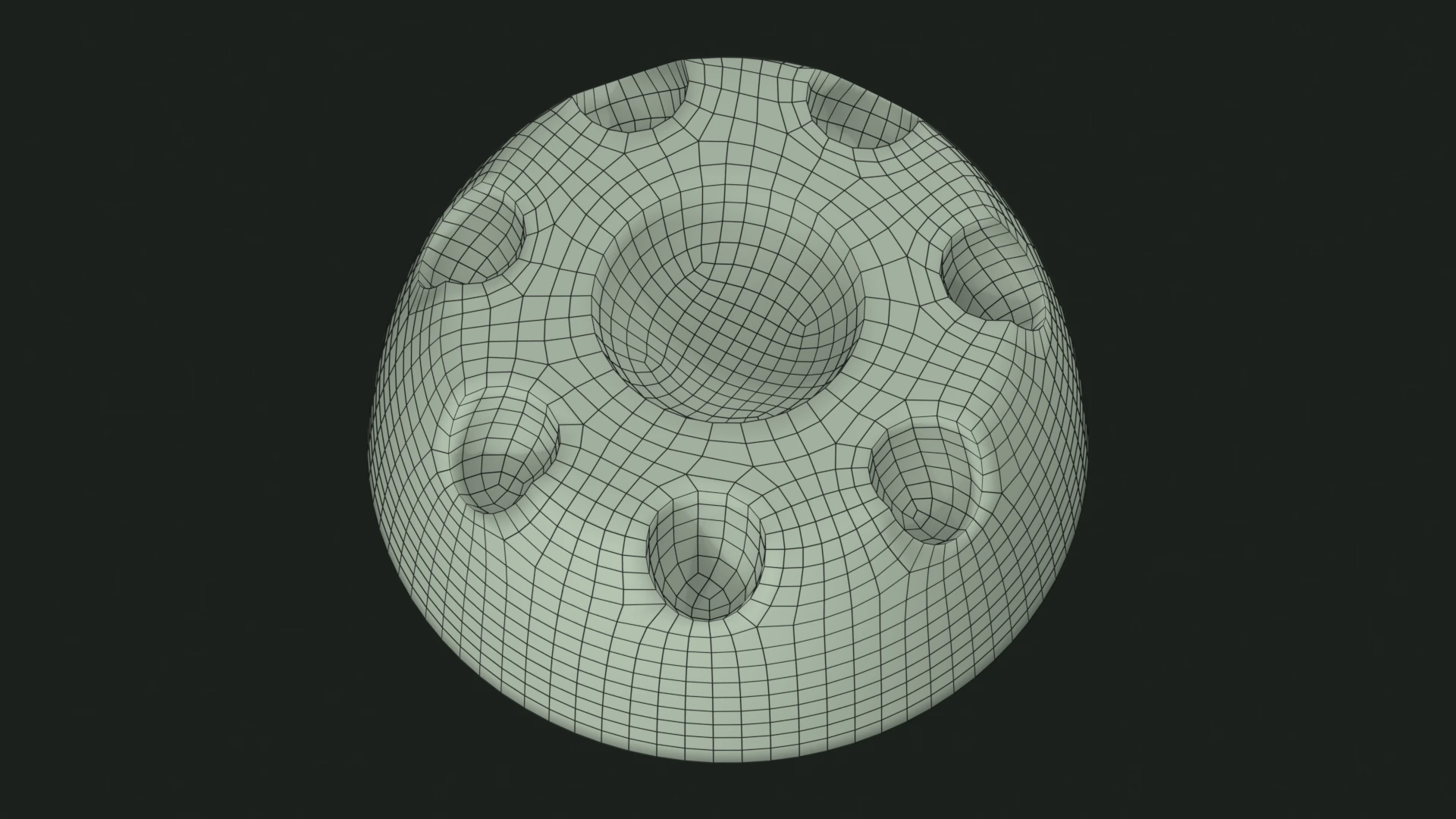
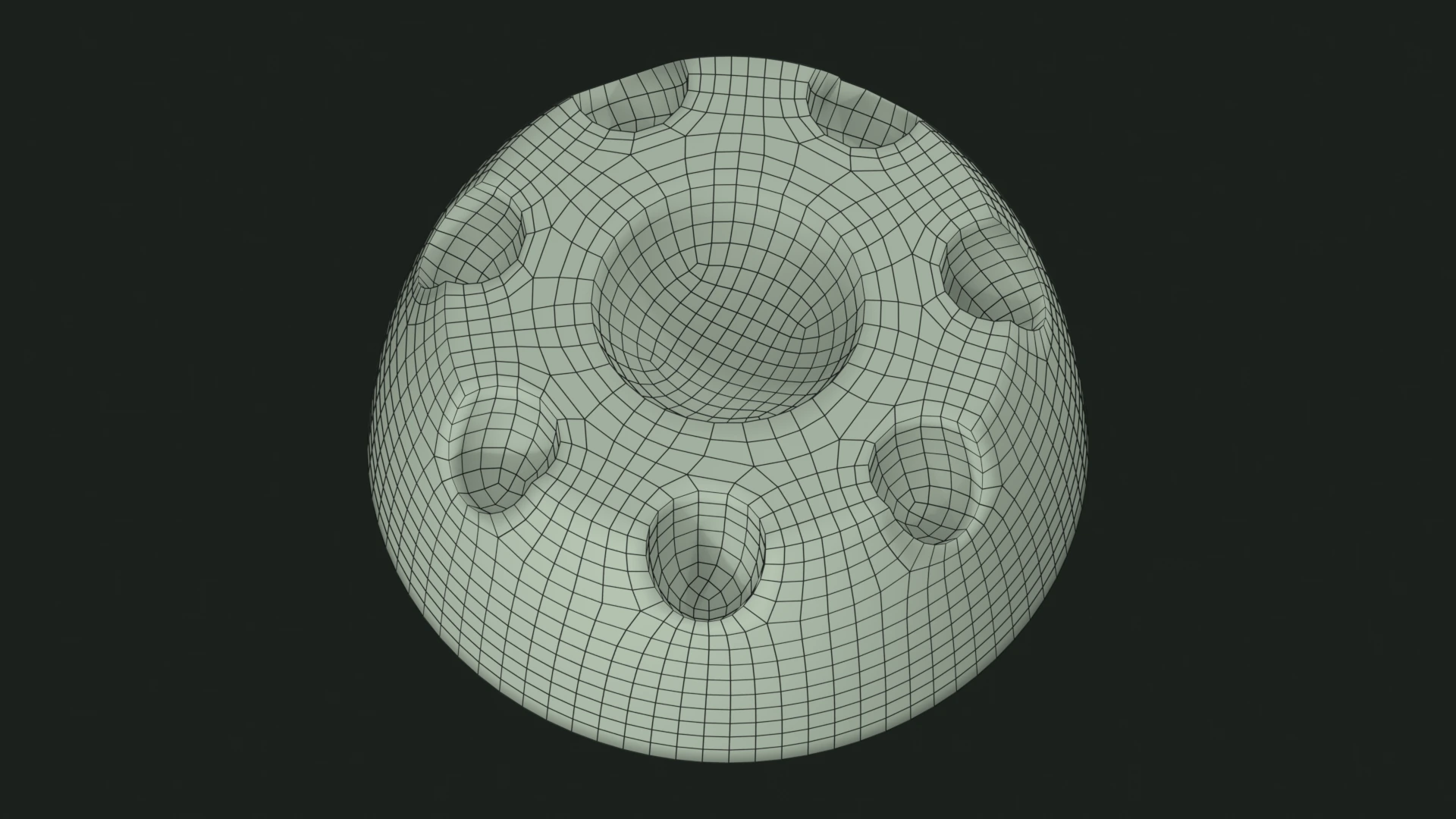
Mark edges on the result
In Output, Mark detected hard edges marks preserved, angle-detected edges as Blender sharp edges. It requires Auto by angle and controls result shading. Drawn guides and symmetry seams are not marked by this option.
See output shading for the related controls.